
REALOFFICE example
REALOFFICE is a business user, not a technology company.
See a small business running on open systems. REALOFFICE needs to manage files, projects, client relationships, client documents and recurring operational records, just like many other small businesses.
One business, five everyday needs
Instead of depending on one large proprietary software suite, REALOFFICE uses a combination of focused open-source systems, each doing one job well.
The pages below show how each one is used in daily work. The screens shown here are product screenshots of each system; REALOFFICE’s own sanitised screens can replace them.
| Business need | System | How REALOFFICE uses it |
|---|---|---|
| Company Files | OpenCloud | A central place for business files and controlled team access. |
| Team Projects | Plane | Projects, work assignments, responsibilities and follow-up. |
| Client Relationships | Twenty CRM | Customer and relationship information kept in a structured system. |
| Client Digital Vault | Paperless-ngx | Client documents organised, searchable and available when required. |
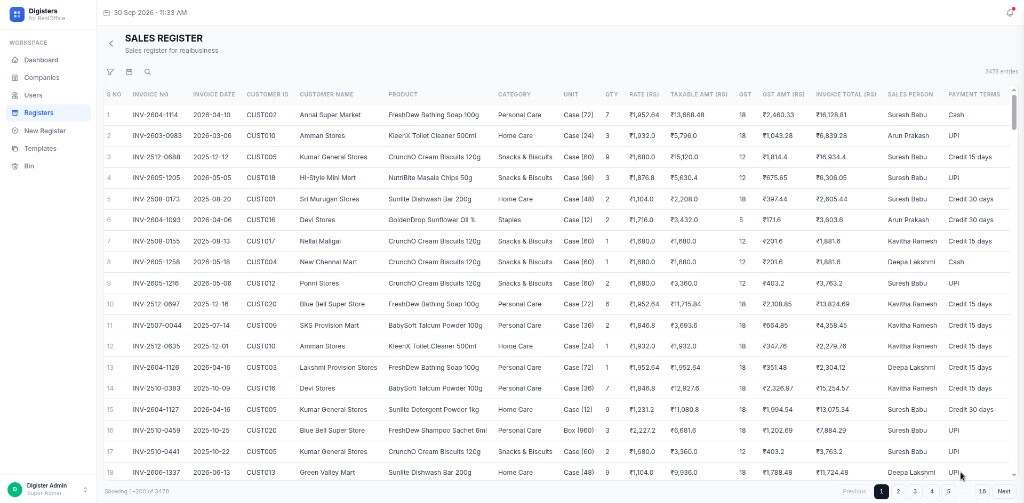
| Internal Registers | DIGISTERS | Structured operational registers replacing recurring manual records and fragmented spreadsheets. |
 Files: OpenCloud
Company files in one managed place
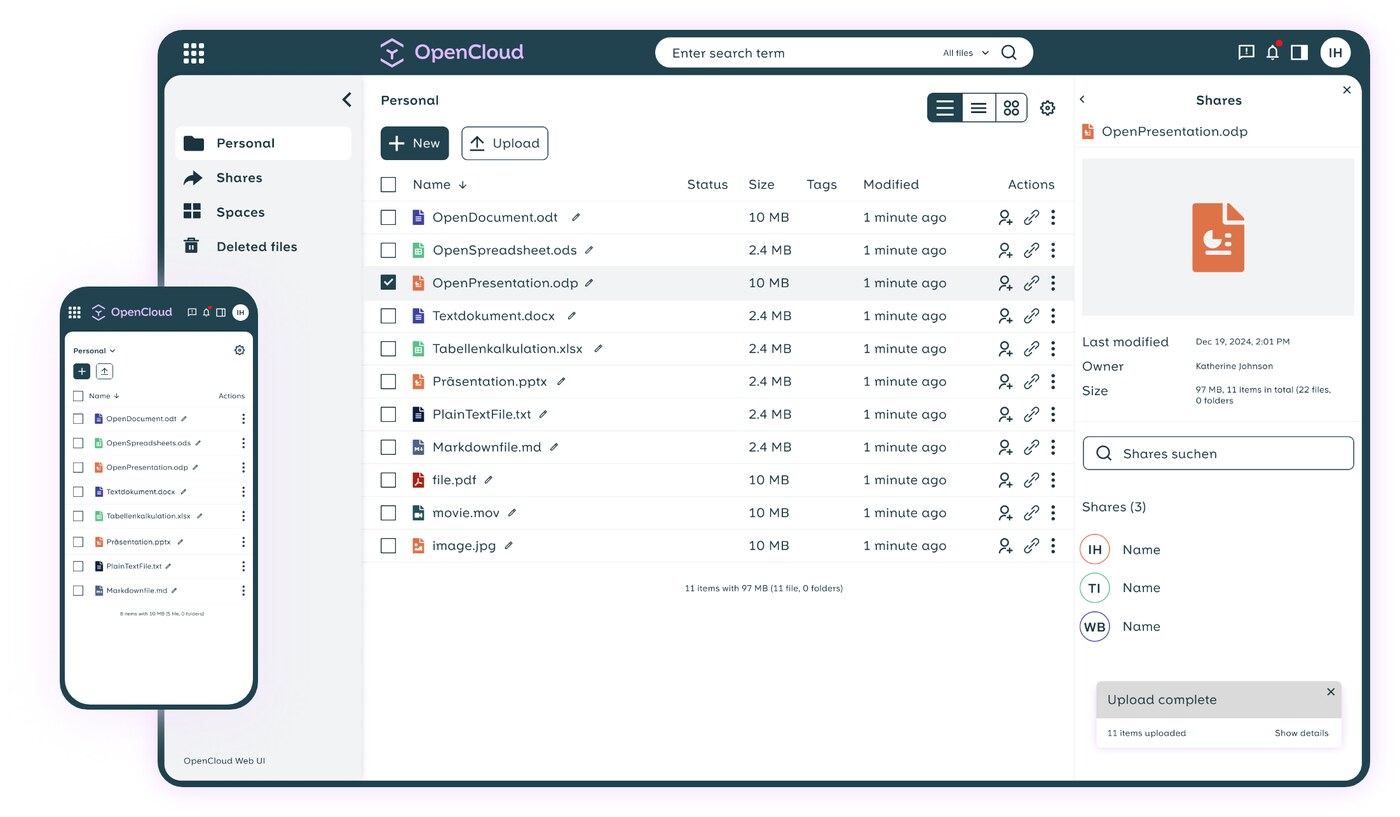
REALOFFICE keeps its working files in a shared folder structure with controlled team access, so important work does not sit on individual laptops.
 Projects: Plane
Team work that can be followed
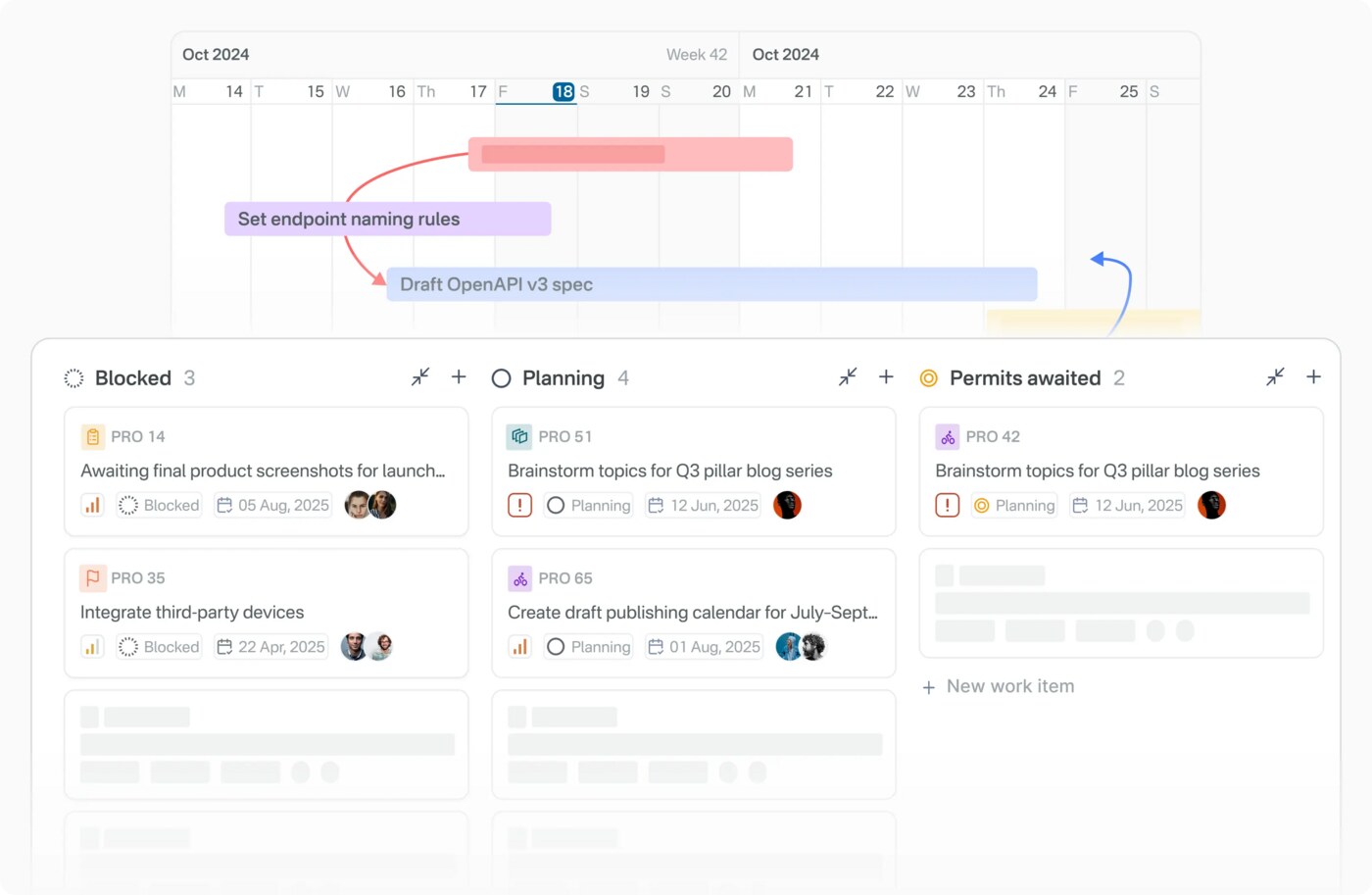
Projects, work assignments, responsibilities and follow-up are kept on a project board so the team can see what is pending without repeated reminders.
 Client relationships: Twenty CRM
Relationships kept in a structured system
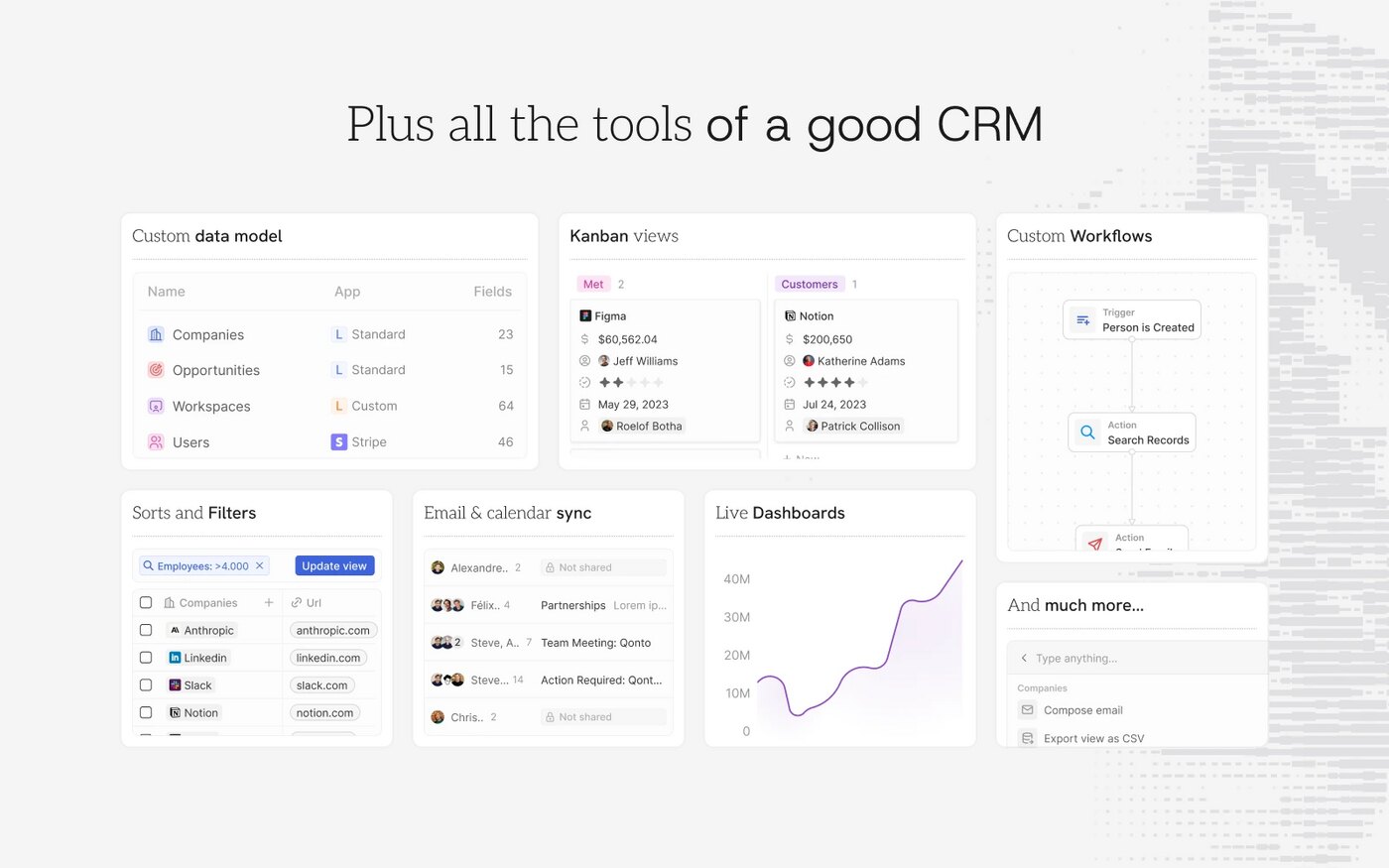
Customer and relationship information, contacts, organisations and follow-up are maintained in one place instead of in one person’s phone or inbox.
 Client digital vault: Paperless-ngx
Client documents organised and searchable
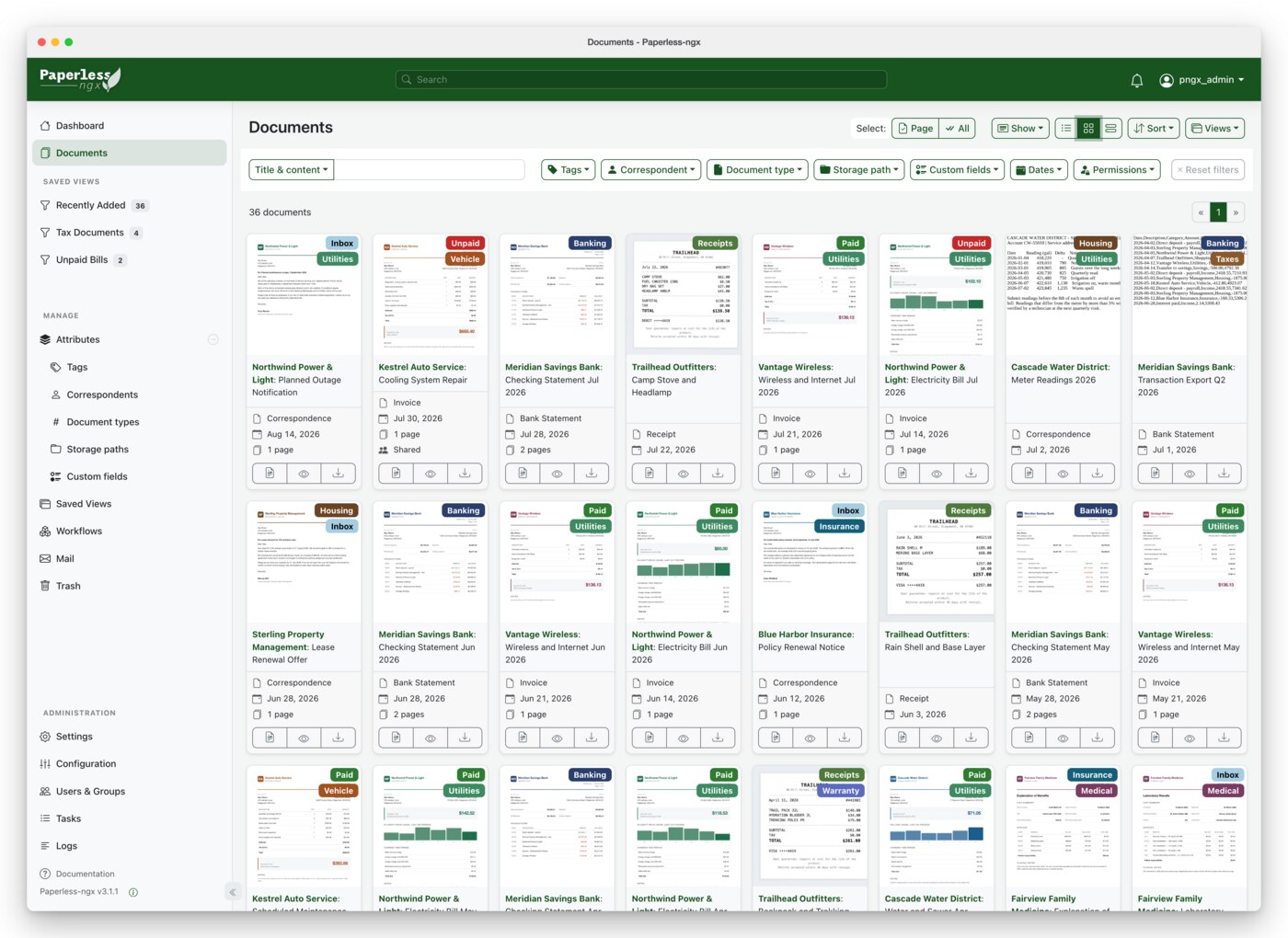
Client documents are collected, classified and stored so they can be found and retrieved when required.
 Operational registers: DIGISTERS
Recurring records in structured registers
Structured operational registers replace recurring manual records and fragmented spreadsheets.
What changes in daily work
Practical improvement, not a transformation claim
- Files are kept in one managed place with controlled access.
- Work and follow-up are visible without depending only on meetings and reminders.
- Customer information stays in the business, not in personal phones.
- Client documents can be found when somebody asks for them.
- Recurring records are kept in structured registers.
One implementation pattern
This is one implementation pattern. Every client does not need the same stack. OSWORKS first understands the requirement and then suggests the appropriate system.